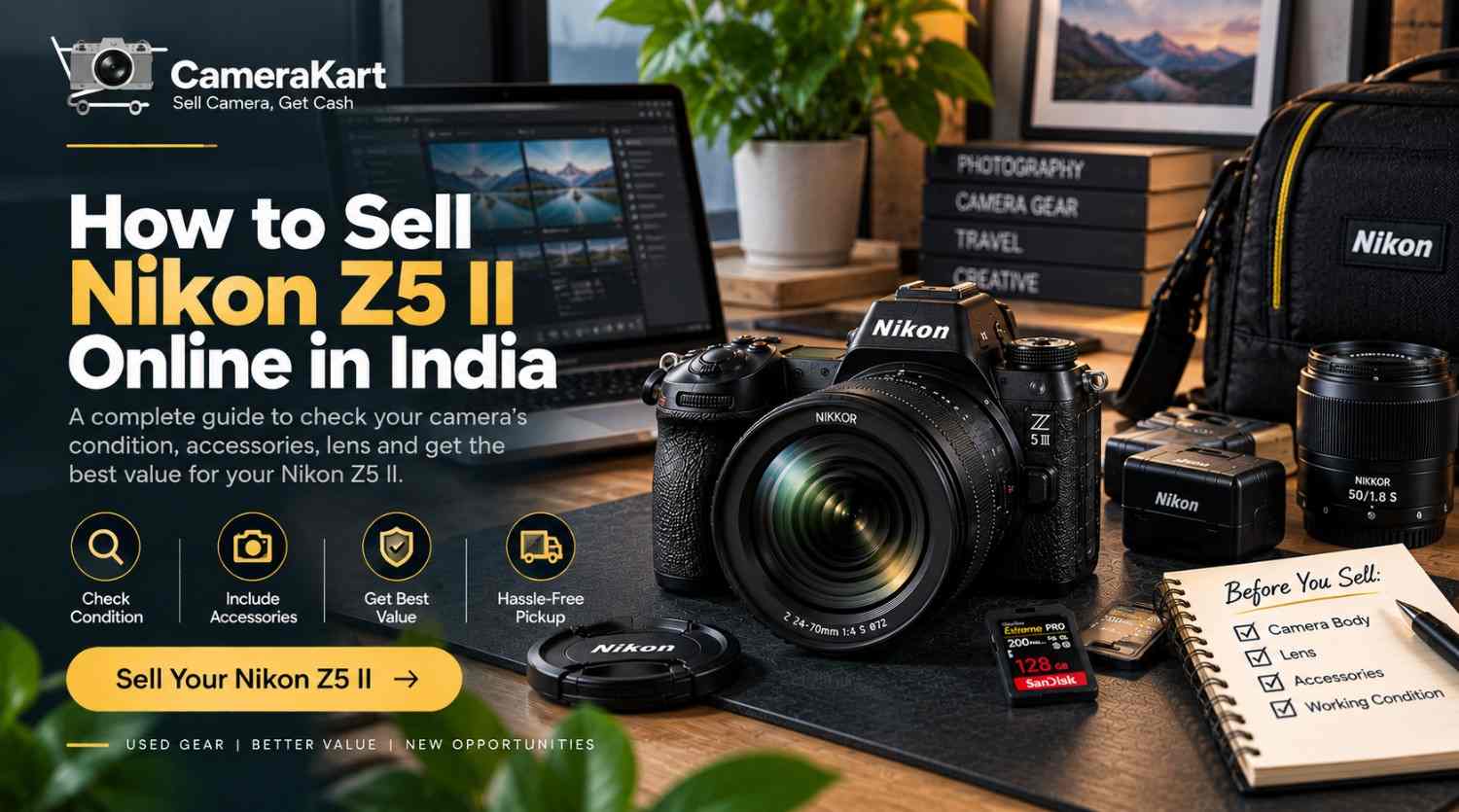
If you own a Nikon Z5 II and are considering selling it, don’t treat it like a regular used electronic device. A full-frame mirrorless camera has several components that can affect its condition and the way you present it for evaluation—body, sensor, Z-mount, autofocus, stabilization, display, memory cards, battery, lens and accessories.
The Nikon Z5 II is a full-frame/FX-format mirrorless camera with a 24.5MP effective-pixel CMOS sensor, Nikon Z mount, 5-axis sensor-shift VR, a 3.2-inch vari-angle touchscreen monitor and a 3,690k-dot electronic viewfinder. Nikon also lists 4K UHD recording up to 60p and N-RAW video options.
So, if you’re planning to sell Nikon Z5 II online, spending a little time preparing the camera can help you provide more accurate information about what you’re selling.
For the direct selling option, you can check the Nikon Z5 II selling page on CameraKart.
Start by Understanding Your Nikon Z5 II Setup
Before you decide how to sell your camera, identify exactly what you own.
Your setup could be:
- Nikon Z5 II body
- NIKKOR Z lens
- Battery
- Charger or USB-C charging accessories
- Body cap
- Lens cap
- Camera strap
- Memory cards
- Original box
- Purchase invoice
- Additional accessories
Nikon specifies the Z5 II as a Nikon Z-mount full-frame camera, with compatibility for NIKKOR Z lenses and F-mount NIKKOR lenses when an appropriate mount adapter is used.
Knowing whether you’re selling the body alone or a complete kit is important when you sell used Nikon Z5 II.
Check the Camera Body Before You Sell
Start with a physical inspection.
Don’t just look at the front of the camera. Check the entire body, including the areas that normally receive the most handling.
Look at:
- Front and rear body panels
- Camera grip
- Bottom plate
- Tripod mount
- Battery compartment
- Card-slot door
- USB/HDMI ports
- Hot shoe
- Control dials
- Buttons
- Lens mount
- LCD monitor
Separate normal cosmetic wear from actual damage.
A few small marks from regular use are different from a cracked display, damaged port or impact around the mount.
When you sell Nikon Z5 II online, accurate condition information is more useful than simply describing the camera as “like new.”
Inspect the Sensor Carefully
The Z5 II uses a 24.5MP effective-pixel full-frame CMOS sensor.
You don’t need specialist equipment to perform a basic check.
Mount a clean lens and take photographs against a plain, bright background at a smaller aperture. Review the photographs at 100% and look for unusual spots, lines or other persistent abnormalities.
If you notice dust spots, don’t immediately assume that the sensor is damaged. Some visible spots can simply be dust and may require professional cleaning.
Most importantly, never touch the sensor surface directly while performing your inspection.
Check the Z-Mount and Lens
The lens mount is one of the most important physical areas of an interchangeable-lens camera.
Remove the lens carefully and inspect the mount for:
- Visible damage
- Unusual scratches
- Bent or damaged areas
- Loose mounting behaviour
- Signs of impact
If you’re selling the Z5 II with a lens, inspect the lens separately.
Check:
Front glass:
Look for scratches, cracks, fungus or heavy marks.
Rear glass:
Check for dust, scratches or damage.
Focus ring:
It should rotate normally.
Zoom ring:
If applicable, check that movement feels normal.
Autofocus:
Test autofocus with the lens mounted.
If you’re including multiple lenses, make a separate list of each lens rather than describing the entire package simply as “camera with lenses.”
Test Autofocus Before You Sell Nikon Z5 II
The Z5 II uses a hybrid phase-detection/contrast autofocus system. Nikon lists 273 focus points for single-point AF and 299 for auto-area AF in FX photo mode.
You can perform a simple practical test.
Test 1 — Stationary subject
Focus on an object at a short distance.
Test 2 — Distant subject
Move the focus point toward a distant object and check the response.
Test 3 — Moving subject
Try continuous autofocus with a moving subject.
Test 4 — Subject detection
Test the relevant subject-detection modes you normally use.
Test 5 — Video
Record a short video and check autofocus behaviour during recording.
You don’t have to test every menu option. The objective is to identify whether the core autofocus system behaves normally.
Test the 5-Axis VR
The Z5 II includes 5-axis image-sensor-shift vibration reduction. Nikon’s current specifications list the camera’s VR system as a major stabilization feature.
Before you sell Nikon Z5 II, take several handheld photographs with stabilization enabled.
You can also record a short handheld video.
Check whether the camera behaves normally and whether you notice any unusual movement or mechanical sound.
If you’ve never used the stabilization function extensively, simply perform a basic functional test rather than trying to measure its exact performance.
Don’t Forget the Electronic Viewfinder
The Z5 II has an approximately 3,690k-dot electronic viewfinder and a 3.2-inch vari-angle touchscreen LCD.
Check both displays.
Look for:
- Dead pixels
- Unusual flickering
- Display lines
- Scratches or cracks
- Touchscreen problems
- EVF switching problems
- Unusual brightness behaviour
Move the vari-angle monitor through its normal range and check that it operates smoothly.
A display that works correctly is an important part of the camera’s overall condition.
Test the Dual SD Card Slots
Unlike cameras that use different card formats, the Z5 II provides two SD card slots, with support for UHS-II cards. Nikon states that the slots can be configured for overflow, backup, separate file storage or duplicate files.
If you have compatible cards available, test both slots.
Take a few photographs and record a short video.
Then review the files to make sure they are being saved correctly.
After testing, remember to remove your personal memory card before handing over the camera.
Test Photography and Video Separately
A camera can appear perfectly fine externally while having an issue that only becomes noticeable during shooting.
The Z5 II supports 4K UHD video up to 60p, Full HD high-frame-rate recording and N-RAW video options.
You don’t need to test every recording format.
A simple test can include:
- Take several photographs
- Test different autofocus modes
- Record a short 4K video
- Check playback
- Test audio if you normally use a microphone
- Check memory-card recording
- Review the captured files
If everything works normally, you’ll have more confidence when you sell my Nikon Z5 II.
Check the Battery and Charging Accessories
The Z5 II uses an EN-EL15c rechargeable Li-ion battery, with compatible alternatives listed by Nikon.
Check:
- Battery charging
- Battery condition
- Battery compartment
- USB-C charging accessories
- Charger/adapter, if included
If you have an additional genuine battery, mention it separately when describing the package.
A complete battery and charging setup can also make the equipment easier to hand over.
What Should You Include With Your Nikon Z5 II?
Before you sell used Nikon Z5 II, collect the accessories that actually belong to the camera.
| Item | Check |
| Nikon Z5 II body | Working condition |
| EN-EL15c battery | Charging/condition |
| Charger/USB accessories | Working |
| Body cap | Available |
| Lens | Glass + autofocus |
| Lens cap | Available |
| Camera strap | Condition |
| SD card | If included |
| Original box | If available |
| Invoice | If available |
Nikon’s listed supplied accessories include the DK-29 rubber eyecup, BF-N1 body cap, EN-EL15c battery, AN-DC26 strap and USB cable with Type-C connectors.
Keep Your Invoice and Purchase Information
If you still have the original invoice, box or purchase documentation, keep them together.
You may need different information depending on the selling process, so having the documents available can make verification easier.
Also note the camera’s serial number when required.
Before handing over the equipment:
- Back up your photographs
- Remove your memory card
- Remove personal files
- Review saved network settings
- Reset the camera when appropriate
This is especially important for a camera that has been connected to your phone or other devices.
Body Only or Complete Nikon Z5 II Kit?
One decision you’ll need to make is whether you want to sell Nikon Z5 II as a body or with your lens and accessories.
Body only
This can make sense if you want to keep your Z-mount lenses for another Nikon body.
Camera + lens
This may be suitable if you’re leaving the Nikon Z system altogether.
Complete kit
If you’re moving to a completely different photography system, you may have several lenses and accessories you no longer need.
There is no single package that every seller should choose. It depends on what equipment you want to keep for future use.
Why Are You Selling Your Nikon Z5 II?
Your reason for selling can help you decide what belongs in the package.
You are upgrading
You may have moved to another camera body and no longer use the Z5 II as your primary camera.
You are changing systems
If you’ve moved to another lens mount, keeping unused Z-mount equipment may not fit your current workflow.
You have duplicate equipment
If another camera has become your main body, your Z5 II may spend more time stored than used.
Your photography needs have changed
Your current work may require a different type of camera or setup.
The right decision depends on your own equipment requirements and future plans.
How to Sell Nikon Z5 II Online With CameraKart
After checking your camera, you can submit the model and condition details for evaluation.
When you sell Nikon Z5 II online, provide accurate information about:
- Camera condition
- Body-only or complete kit
- Lens included
- Accessories
- Working condition
- Any known issues
CameraKart’s dedicated Nikon Z5 II selling page provides the starting point for submitting the camera.
Nikon Z5 II Seller Checklist
Before submitting your camera, use this quick checklist:
Body
☐ Body inspected
☐ Buttons tested
☐ Dials tested
☐ Ports checked
☐ Lens mount checked
Display
☐ EVF checked
☐ LCD checked
☐ Touchscreen tested
☐ Vari-angle movement checked
Performance
☐ Sensor checked
☐ Autofocus tested
☐ VR tested
☐ Photos tested
☐ Video tested
☐ Both card slots checked
Accessories
☐ Battery
☐ Charger/USB accessories
☐ Body cap
☐ Lens cap
☐ Lens
☐ Strap
☐ Box/documents
Before Handover
☐ Photos backed up
☐ Memory card removed
☐ Personal settings reviewed
☐ Camera reset where appropriate
Final Thoughts
If you’re planning to sell Nikon Z5 II online in India, prepare the camera before you start the selling process.
Check the body, sensor, Z-mount, lens, autofocus, VR, EVF, LCD, memory-card slots, battery and video functions. The Z5 II combines a 24.5MP full-frame sensor with 5-axis VR, advanced autofocus, dual SD card slots, 4K video and other features designed for photography and video work.
Once you’ve checked your equipment and collected the accessories, you can visit the Sell Nikon Z5 II on CameraKart and submit your camera details.
Leave a Reply