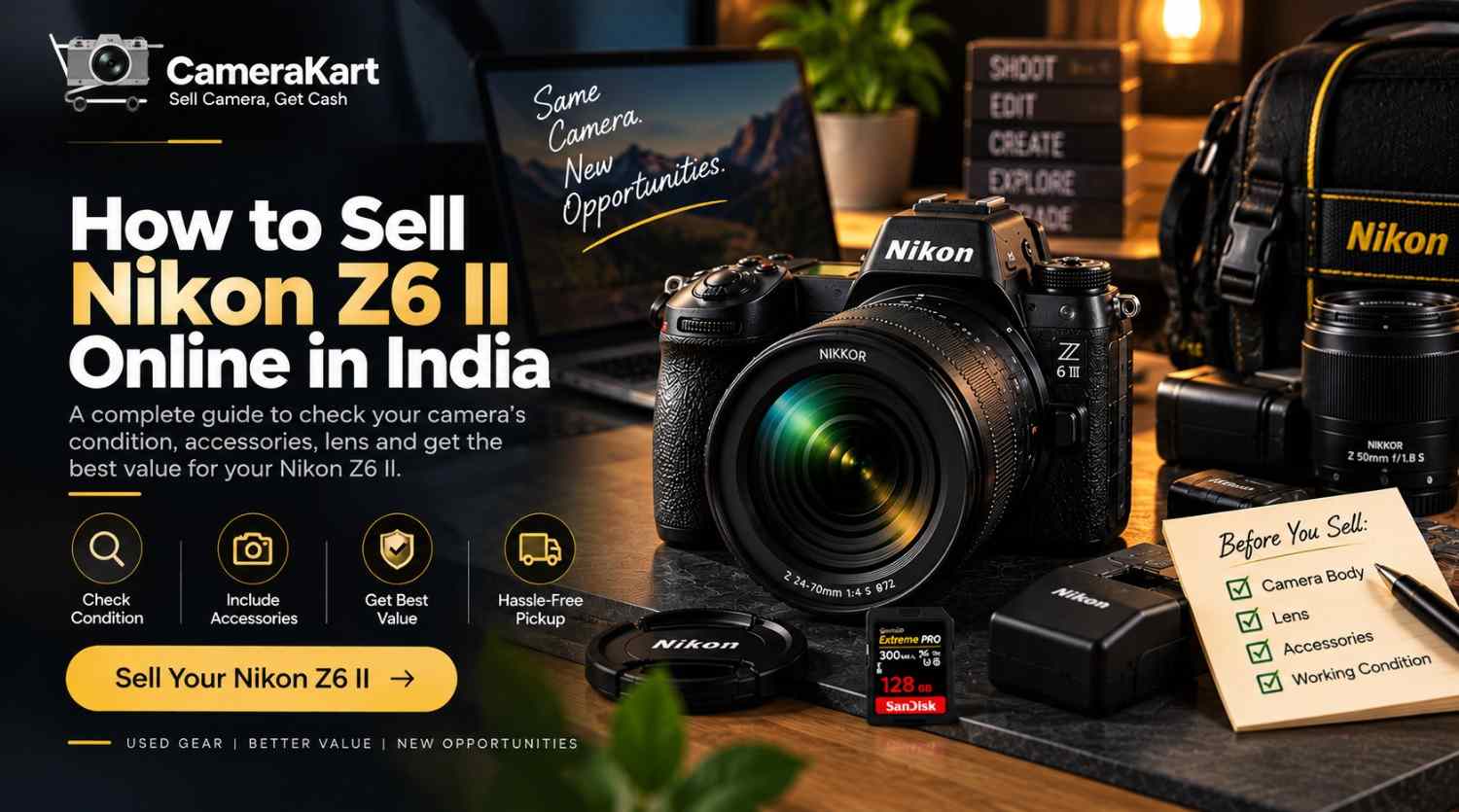
If you own a Nikon Z6 II and are considering selling it, the first step is not creating an advertisement or accepting the first offer you receive. Start by understanding the exact condition of your camera, what accessories are included, whether you are selling the body alone or as a complete kit, and what information a buyer or camera evaluator may need.
The Nikon Z6 II is a full-frame mirrorless camera with a 24.5MP FX-format CMOS sensor, dual EXPEED 6 processors, a 273-point hybrid autofocus system, up to approximately 14 fps continuous shooting, 5-axis in-camera VR and 4K UHD video capabilities. Nikon also provides dual card slots supporting CFexpress/XQD and UHS-II SD cards.
If your camera is sitting unused, you have upgraded to another body, or you are changing your photography setup, you can consider selling it online. For a direct selling option, check the Sell Nikon Z6 II online.
Before You Sell Nikon Z6 II, Know What You Own
The Nikon Z6 II is not simply a basic interchangeable-lens camera. Its full-frame sensor, Z mount, dual processors, autofocus system, stabilization and video features make the condition of the complete setup important when you want to sell.
Before requesting an offer, make a quick inventory:
- Nikon Z6 II camera body
- Z-mount lens, if included
- Battery
- Charger
- Body cap
- Lens caps
- Camera strap
- Memory card, if included
- Original box
- Manuals and purchase documents
- Other accessories
This inventory helps you give accurate information instead of trying to remember everything later.
Check the Camera Body From Every Sid
A camera can look good from the front but have noticeable wear around the bottom plate, grip, ports or hot shoe.
Take a few minutes to inspect the Z6 II carefully.
Look around:
- Front and rear body panels
- Camera grip
- Bottom mounting area
- Battery compartment
- Memory-card compartment
- HDMI/USB ports
- Hot shoe
- Control dials
- Buttons
- LCD monitor
- Electronic viewfinder
Separate normal cosmetic wear from actual functional damage.
Small marks from regular use are different from a cracked screen, damaged port or impact around the lens mount. When you sell used Nikon Z6 II, being accurate about the condition is important.
Test the 24.5MP Full-Frame Sensor
One of the major features of the Z6 II is its 24.5 effective megapixel FX-format CMOS sensor.
You don’t need complicated equipment to perform a basic check.
Remove the lens carefully and inspect the sensor area in a clean environment. Avoid touching the sensor surface.
Then take a few test photographs using a clean lens.
Look for unusual spots, lines or other abnormalities in your images. A few ordinary dust spots may simply require professional sensor cleaning, while persistent image problems should be disclosed during the selling process.
Pay Attention to the Z-Mount and Your Lens
If you’re selling your camera with a lens, the lens becomes part of the overall package.
The Z6 II uses the Nikon Z mount and supports NIKKOR Z lenses; Nikon also lists compatibility with F-mount NIKKOR lenses when using an appropriate mount adapter, with possible restrictions.
Check the lens for:
- Front-element scratches
- Rear-element condition
- Dust
- Fungus
- Damaged filter thread
- Loose zoom ring
- Loose focus ring
- Autofocus operation
- Mount condition
If you own multiple Z-mount lenses, decide whether you want to sell the camera body separately or offer a particular lens with it.
Test the Autofocus Before Selling
The Z6 II has a 273-point hybrid autofocus system with eye-detection and animal-detection autofocus for both stills and video.
Rather than simply saying that autofocus works, test a few different situations.
Try:
Single-point AF:
Focus on a stationary object.
Continuous AF:
Track a moving subject.
Eye detection:
Try photographing a person.
Video AF:
Record a short clip and check whether focus behaves normally.
You don’t need to test every autofocus setting. The purpose is to identify any obvious issue before you submit the camera for evaluation.
Test the Electronic Viewfinder and LCD
The Z6 II has an approximately 3,690k-dot electronic viewfinder and a tilting monitor.
Check both before you sell Nikon Z6 II online.
Look for:
- Display abnormalities
- Dead pixels
- Touchscreen response
- Screen damage
- Unusual flickering
- Problems switching between EVF and monitor
- Loose or damaged screen mechanism
A quick test can save you from discovering a problem after the selling process has already started.
Check the 5-Axis In-Camera VR
The Z6 II includes 5-axis in-camera vibration reduction, with Nikon specifying an effect equivalent to approximately five stops.
If you normally shoot handheld, take several photographs with VR enabled and compare them with your usual results.
You can also test video while moving slowly with the camera.
The purpose isn’t to prove a particular stabilization rating; it’s simply to make sure the camera behaves normally.
Don’t Ignore the Dual Card Slots
The Z6 II has two memory-card slots, supporting CFexpress/XQD and UHS-II SD cards. Nikon notes that the slots can be used for primary/backup storage or different file types.
This gives you another simple test before selling.
Insert a compatible card and:
- Take photographs.
- Record a short video.
- Review the files.
- Try the second slot where appropriate.
- Remove your personal memory card afterward.
If you are including a memory card in the sale, mention its capacity and condition separately.
Test the Camera for Both Photography and Video
The Z6 II is designed for both still photography and video.
Nikon lists 4K UHD recording, Full HD high-frame-rate options and video features including N-Log and HLG workflows.
You don’t need to test every available resolution.
A basic test can include:
- Short 4K recording
- Normal Full HD recording
- Playback
- Microphone/audio check
- Memory-card recording
- Battery performance
- HDMI/USB functions you regularly use
If everything works normally, you have a clearer picture of the camera’s condition before selling.
Battery Condition Can Affect the Complete Package
If you have owned the Z6 II for several years, don’t forget about the battery.
Check whether the battery:
- Charges normally
- Holds charge
- Shows unusual battery drain
- Has physical swelling or damage
Also check your charger or charging accessories.
If you’re selling the original battery and charger with the camera, keep them together rather than packing them separately and forgetting them.
What Accessories Should You Include?
A complete package can be easier to explain than an incomplete one.
Here’s a useful preparation list:
| Item | What to Check |
| Z6 II Body | Buttons, dials, ports, screen |
| Battery | Charging and battery life |
| Charger | Working condition |
| Lens | Glass, mount and autofocus |
| Body Cap | Available |
| Lens Cap | Available |
| Strap | Condition |
| Memory Card | Capacity and working condition |
| Original Box | Available if retained |
| Invoice | Keep if available |
You don’t need to include every accessory you own. Just be clear about what is part of the package.
Keep Your Purchase Documents Ready
If you still have the original invoice or purchase-related documents, keep them available.
These documents may help establish information about the camera and its purchase history depending on the selling process.
Also keep the camera’s serial number available if verification requires it.
Before handing over the camera, make sure you’ve backed up your photographs and removed your personal memory card.
Body Only or Camera With Lens?
One important decision is whether you want to sell Nikon Z6 II online as a body or as a complete setup.
For example:
Option 1: Nikon Z6 II body + battery + charger
Option 2: Nikon Z6 II + NIKKOR Z lens + accessories
Option 3: Nikon Z6 II + multiple lenses + accessories
There isn’t one correct option for every seller. It depends on which equipment you still need and what you want to keep for future photography.
If you are changing systems completely, selling a larger kit may make more sense for your personal situation.
Why Are You Selling Your Nikon Z6 II?
Understanding your reason for selling can help you decide what equipment should remain with you.
You’re upgrading
If you have moved to a newer camera body, the Z6 II may no longer be your primary camera.
You’re changing systems
Switching to another camera mount can make some of your existing equipment less useful.
You’re using the camera less
If the camera spends most of its time stored away, you may decide to sell it instead of keeping unused equipment.
You have duplicate gear
Photographers sometimes accumulate multiple bodies or lenses as their requirements change.
In each case, the decision depends on your own photography workflow and future equipment plans.
How to Sell Nikon Z6 II Online With CameraKart
Once you have checked your camera, the next step is to submit the correct model and equipment details.
CameraKart’s camera-selling process is designed around getting an evaluation, arranging pickup where available and completing payment after the equipment is checked.
For your Nikon Z6 II, make sure the information you provide accurately reflects:
Camera condition
Body-only or complete kit
Lens included
Accessories
Working condition
Any known issues
You can start from the dedicated Sell Nikon Z6 II page.
Nikon Z6 II Seller Checklist
Before you submit your camera, save this checklist:
Camera
☐Body inspected
☐ Buttons and dials tested
☐ LCD tested
☐ EVF tested
☐ Ports checked
☐ Lens mount checked
Performance
☐ Sensor checked
☐ Autofocus tested
☐ Eye detection tested
☐ VR tested
☐ Photography tested
☐ Video tested
Package
☐ Battery
☐ Charger
☐ Body cap
☐ Lens cap
☐ Lens
☐ Strap
☐ Box/documents
Before Handover
☐ Photos/videos backed up
☐ Memory card removed
☐ Personal settings reviewed
☐ Camera reset where appropriate
Final Thoughts
If you’re planning to sell Nikon Z6 II online in India, preparation can make the process much easier.
Instead of focusing only on cosmetic appearance, check the complete camera: sensor, Z mount, lens, autofocus, EVF, LCD, stabilization, card slots, battery and video functions.
The Nikon Z6 II remains a full-frame mirrorless system built around a 24.5MP sensor, dual EXPEED 6 processors, 273-point hybrid AF, up to approximately 14 fps continuous shooting, 5-axis VR and 4K UHD video.