Introduction
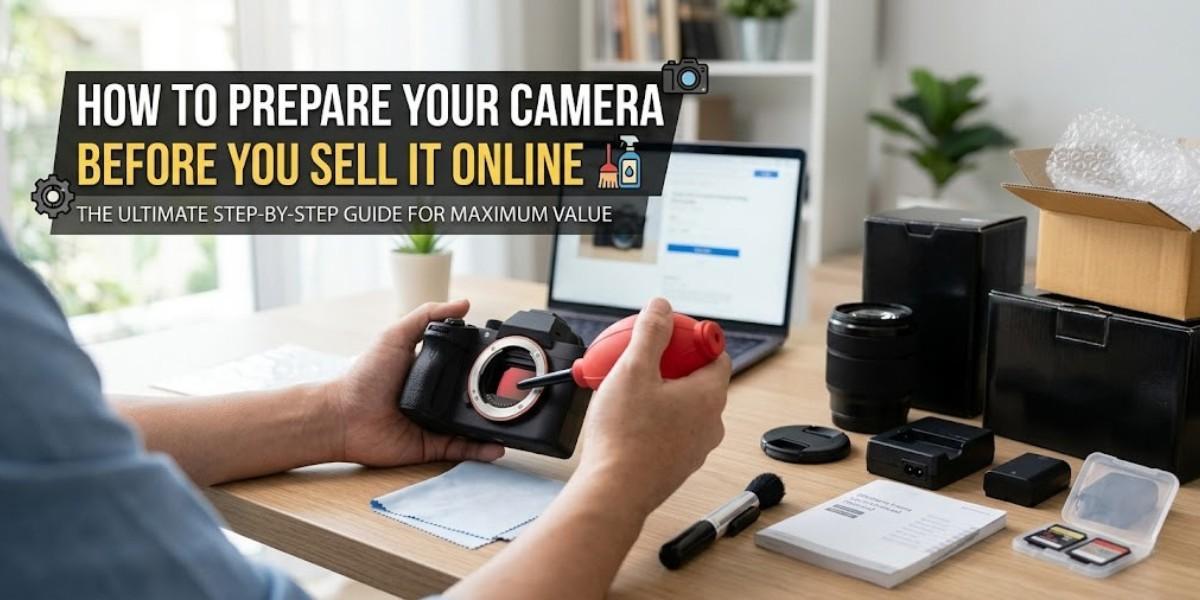
If you’re looking to sell camera online and receive the highest price possible, the preparation is more important than people think. A lot of sellers are focused on securing a buyer, however, the condition and appearance of the camera have a direct impact on the value of resales.
A camera that is properly set up creates trust, boosts prices and allows you to sell more quickly. If you are planning to sell DSLR online or sell used cameras, completing the correct procedures can have a significant impact.
Why Camera Preparation Is Important
When buyers review the camera they take a look at:
- Physical physical
- Functionality
- Accessories
- Maintenance of the past
Even the best camera will be sold for less in the event that it’s not well maintained. A well-planned and organized approach can help to sell your camera at a greater value.
Step 1: Clean Your Camera Properly
If you plan to sell your camera make sure you clean it thoroughly.
The focus should be on:
- Lens surface
- LCD screen
- Buttons and the body
- Sensor area (if needed)
The presence of fingerprints, dust and dirt can devalue the value of your camera. Clean cameras instantly create the impression you want when you sell camera online.
Step 2: Test All Functions
Platforms and buyers expect cameras to work properly.
Before listing your device:
- Test autofocus
- Test the battery’s performance
- Verify the buttons and ports
- Capture sample photos/videos
If there are any problems be sure to let them know upfront when you are sell used cameras online.
Step 3: Gather Accessories
Accessories can increase the resales value dramatically.
Include:
- Original battery
- Charger
- Box
- Manuals
- Lens caps
- Extra cables
If you intend to sell DSLR camera, all accessories may increase the price of your final price.
Step 4: Organize Camera Details
Before you decide to sell a camera, take note of important details:
- Exact model name
- Year of purchase
- Condition details
- The number of shutters (for DSLR cameras)
Giving accurate information increases trust and helps in reducing negotiation.
Step 5: Remove Personal Data
If your camera contains:
- Wi-Fi settings
- Memory cards
- Profiles saved to be saved
Remove or reset them prior to you decide to sell your camera online.
This is a crucial, but often overlooked process that is often not taken seriously.
Step 6: Decide Whether to Sell Lens Separately
In many cases, you can get better value if you:
- Sell DSLR online, body on its own
- Sell camera lens online by yourself
Certain lenses are in extremely high demand and are resold.
Step 7: Choose the Right Selling Platform
The location you sell your items is as much as the condition of your camera.
Local shops might offer lower prices, whereas markets usually require lengthy negotiations.
Platforms that are dedicated, such as Camerakart make it easier by providing:
- Instant price evaluation
- Free pickup
- Fast payment
- Transparent process
This makes it much easier for you to sell your camera online without causing unnecessary delays.
Common Mistakes to Avoid
Before you sell old equipment for your camera, be sure to beware of these pitfalls:
- Uploading photos that are unclear
- Hide any scratches or problems
- The missing accessories
- It’s taking too long to list
These issues can make it difficult for buyers to trust their final value.
How Preparation Increases Camera Value
Well-prepared cameras:
- Sell faster
- Find better deals
- Increase confidence in buyers
- Reduce negotiation
Simple improvements can boost the value of a camera when it is sold online.
Final Verdict
Making sure your camera is properly prepared prior to selling is among the most effective ways to increase the resale value.
If you’re looking for a more enjoyable experience, and a better price ensure that your camera is well maintained including accessories and select a reputable platform to sell your camera online.
Ready to Sell Your Camera?
Get your camera’s price now and then sell your camera online with no collection, secure payments, and hassle-free transaction.
Leave a Reply