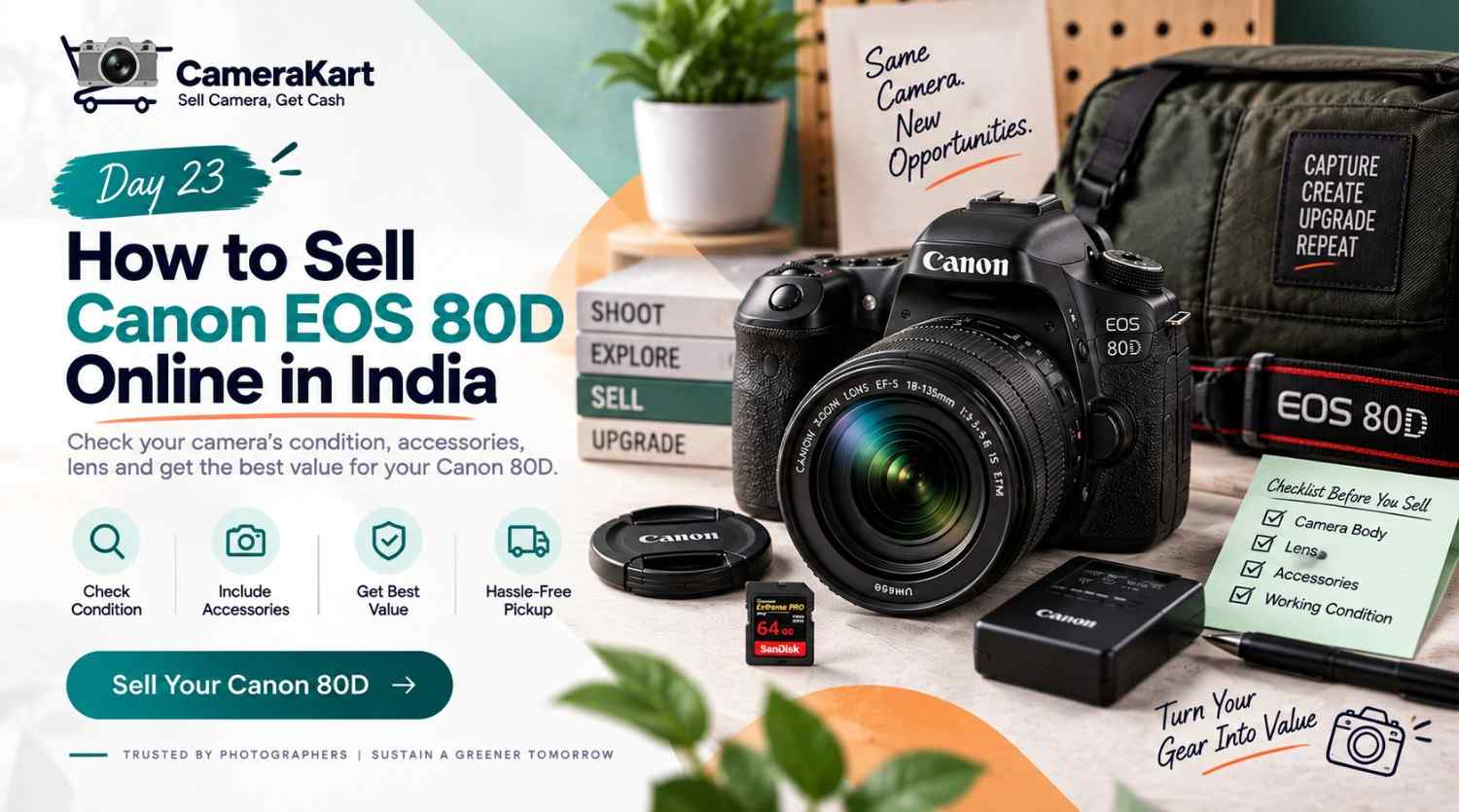
There is a difference between owning an older camera and actually using it.
Your Canon EOS 80D may still be sitting safely inside your camera bag, but if a newer body has taken over your photography, the 80D may no longer be getting enough use to justify keeping it.
For some owners, the reason is an upgrade to mirrorless. For others, it may simply be that photography is no longer a regular hobby or profession.
If your 80D has become unused equipment, you can sell Canon EOS 80D online and turn that camera into money for your next requirement.
The EOS 80D is a 24.2MP APS-C DSLR with Canon’s EF mount, compatibility with EF and EF-S lenses, a 45-point cross-type autofocus system, a pentaprism optical viewfinder and up to approximately 7 frames per second continuous shooting. Canon also lists Dual Pixel CMOS AF for Live View shooting and Full HD video recording.
That means an 80D isn’t just a body sitting inside your cupboard. Depending on what you own, it may be part of a complete Canon DSLR setup involving one or more lenses and accessories.
So before you sell used Canon 80D, take a little time to understand exactly what you’re selling.
First Separate Your Camera Body From Your Whole Kit
A common mistake is to think:
“I want to sell my Canon 80D.”
But what you may actually own is:
Canon EOS 80D + EF-S lens + extra lens + battery + charger + strap + box + accessories.
That’s a completely different equipment package from an 80D body alone.
Start by putting all your Canon equipment together.
Make three groups:
Equipment you want to sell
For example, the 80D body and a kit lens that you haven’t used for months.
Equipment you still need
You may have an EF or EF-S lens that you still use with another Canon DSLR.
Equipment you’re undecided about
These could be older filters, batteries, flashes or accessories sitting in your camera bag.
This simple separation helps you avoid selling something you may still need later.
Why the 80D’s Lens Compatibility Matters
Canon’s official specifications state that the EOS 80D uses the Canon EF mount and supports Canon EF lenses, including EF-S lenses; EF-M lenses are excluded.
For sellers, this is useful because your lens may have a life beyond the 80D body.
Suppose you’ve purchased a newer Canon DSLR and still use your EF-S lens.
In that situation, selling the 80D body only could make more sense.
But if you have completely moved away from the Canon DSLR system and your lenses are also sitting unused, you may want to consider selling the relevant equipment together.
Don’t make this decision based only on what came in the original box.
Think about your current camera setup.
Before Selling, Revisit What Your 80D Was Used For
The EOS 80D was designed as a more advanced APS-C DSLR than a basic entry-level body.
Canon lists features including a 45-point cross-type AF system, 7fps continuous shooting, an optical pentaprism viewfinder, Dual Pixel CMOS AF in Live View and a 3-inch touchscreen LCD.
That makes the camera relevant to different types of users.
Maybe you used your 80D for:
- Wedding photography
- Portraits
- Events
- Wildlife
- Travel
- Studio work
- Sports
- YouTube
- Family photography
Think about the kind of use your camera has experienced.
A camera used occasionally for weekend photography can have a very different physical condition from one that spent years working at events.
This is why actual usage history is useful when you’re preparing to sell Canon 80D online.
Test the Camera Like You’re Going to Use It Again
Before selling, don’t immediately start cleaning the camera.
Take it out and actually use it for a few minutes.
Put in a charged battery and memory card.
Then take photographs.
Try:
- Single-shot autofocus
- Continuous autofocus
- Different shutter speeds
- Different apertures
- Live View
- Burst shooting
- Flash
- Manual controls
The 80D supports shutter speeds up to 1/8000 second and continuous shooting at up to approximately 7fps under Canon’s specified conditions.
You don’t need to test every menu item.
The goal is to discover whether there is any obvious functional problem before the camera is evaluated.
Pay Special Attention to the Autofocus System
Autofocus deserves extra attention on the 80D.
Canon specifies 45 AF points, all cross-type under the applicable conditions, for viewfinder shooting.
Take a few photographs of subjects at different distances.
Try a stationary subject first.
Then try a moving subject if you regularly used AI Servo.
If you’re selling the camera with a lens, test autofocus with that lens too.
This is particularly useful because an autofocus problem might actually originate from the lens rather than the camera body.
Don’t Forget Dual Pixel CMOS AF
The EOS 80D also uses Dual Pixel CMOS AF for Live View shooting. Canon lists Face+Tracking, FlexiZone-Multi and FlexiZone-Single AF methods for Live View.
So checking only the optical viewfinder isn’t enough.
Switch to Live View and test:
Screen → Touch → Focus → Image capture → Playback
If everything works normally, you have checked a significant part of the camera’s shooting system.
If something doesn’t work, make a note of it.
Check the Screen and Touch Controls
The EOS 80D has a 3-inch LCD monitor with approximately 1.04 million dots and capacitive touchscreen functionality.
Inspect the display for:
- Cracks
- Deep scratches
- Dead pixels
- Uneven brightness
- Touch-response issues
- Damage around the hinge
A few normal cosmetic marks don’t automatically mean that a camera cannot be sold.
The important thing is to know the difference between cosmetic wear and a functional problem.
Your Shooting History Can Tell You What to Check
Professional photographers may have used their 80D considerably more than occasional users.
Think about where your camera has spent most of its life.
If it was regularly used at weddings or events, inspect:
- Grip
- Buttons
- Dials
- Hot shoe
- Battery door
- Card slot
- Ports
- Lens mount
If it was mostly used for travel, inspect the body corners and screen for signs of bag-related wear.
If it mostly stayed at home, the physical condition may be cleaner but the battery and accessories may have been stored for long periods.
There is no single “used camera condition” that describes every 80D.
What About Shutter Count?
Shutter count can be useful when you sell Canon EOS 80D online, especially because the camera is a DSLR with a mechanical shutter system.
But don’t make shutter count the entire story.
Consider it alongside:
- Body condition
- Shutter operation
- Autofocus
- Sensor condition
- LCD condition
- Buttons
- Dials
- Ports
- Battery
- Lens
- Accessories
A camera’s history is broader than one number.
If you know the shutter count, keep that information available. If you don’t, focus on providing an accurate description of the camera’s actual condition rather than guessing.
Inspect the Lens Separately
If you’re planning to sell Canon 80D with lens, inspect the lens as its own piece of equipment.
Check the:
Front element
Look for scratches, cracks or unusual marks.
Rear element
Inspect it for damage or contamination.
Zoom ring
Rotate it through its complete range.
Focus ring
Check whether it moves normally.
Autofocus
Test AF with the 80D.
Image stabilisation
If your lens has image stabilisation, test that feature as well.
This is important because a camera kit may contain a perfectly functional body paired with a lens that has its own issue.
Find the Accessories Before You Start the Sale
Many sellers discover their original accessories only after they’ve already started the selling process.
Search your camera bags, cupboards and storage boxes for:
- Battery
- Charger
- Camera strap
- Body cap
- Lens cap
- Original box
- Manuals
- Cables
- Purchase invoice
- Additional accessories
Canon lists the LP-E6N/LP-E6 battery family for the EOS 80D and compatible charging equipment in its specifications.
You don’t have to stop the sale simply because one accessory is missing.
Just make sure you know what you’re actually including.
Don’t Clean the Camera Aggressively
A basic external cleaning is fine.
But avoid turning a simple sale preparation into a DIY repair project.
Clean the exterior with appropriate equipment and handle the lens carefully.
If you are not experienced with sensor cleaning, don’t experiment immediately before selling the camera.
Your objective is simple:
Clean enough to inspect clearly, but don’t risk damaging the equipment.
When Does Selling the 80D Make Sense?
There isn’t one answer for every owner.
But a few situations are straightforward.
You’ve moved to mirrorless
If a newer camera now handles your everyday work, the 80D may be sitting unused.
You have multiple Canon bodies
If another camera already covers the same photography requirements, selling the older body can simplify your kit.
You rarely photograph anymore
A camera that is rarely used can become forgotten equipment.
You’re changing systems
If you’ve moved to another mount and no longer use your Canon DSLR lenses, you may have a larger set of equipment to review.
The decision is ultimately about your current use, not simply the age of the camera.
Selling Privately Isn’t the Only Option
If you decide to sell Canon EOS 80D online, you can create a private listing and deal directly with individual buyers.
That may involve:
- Taking product photographs
- Writing the listing
- Answering messages
- Negotiating
- Arranging meetings
- Discussing condition
- Managing payment
Another option is using a camera-focused selling platform.
CameraKart’s selling flow allows users to select their camera, provide condition information, receive an offer, arrange pickup and complete technician inspection before payment.
For someone who wants a structured selling process rather than managing multiple individual enquiries, this can reduce the amount of work involved.
How to Sell Canon EOS 80D Through CameraKart
When you’re ready to start the process:
Step 1 — Select your camera
Choose the Canon EOS 80D from the relevant camera category.
Step 2 — Enter the details
Provide the requested information about your camera and its condition.
Step 3 — Add lens information
If you’re selling the lens with the body, include the relevant details.
Step 4 — Check the offer
Review the available offer based on the information you’ve provided.
Step 5 — Schedule pickup
Arrange the available pickup option.
Step 6 — Complete inspection
The camera can then be checked against the information provided.
Step 7 — Receive payment
After verification and final evaluation, payment is processed according to the applicable offer.
Sell Canon EOS 80D Online with CameraKart
Canon EOS 80D Selling Checklist
Before you submit your camera, quickly check:
Camera body
- ✓ Powers on
- ✓ Shutter works
- ✓ Autofocus works
- ✓ Viewfinder works
- ✓ Live View works
- ✓ Touchscreen responds
- ✓ Buttons work
- ✓ Dials work
- ✓ Flash works
- ✓ Card slot works
Lens
- ✓ Front glass checked
- ✓ Rear glass checked
- ✓ Autofocus tested
- ✓ Zoom ring tested
- ✓ Focus ring tested
- ✓ Stabilisation tested if applicable
Accessories
- ✓ Battery
- ✓ Charger
- ✓ Body cap
- ✓ Lens cap
- ✓ Strap
- ✓ Box/invoice if available
Condition
- ✓ Body inspected
- ✓ LCD inspected
- ✓ Ports checked
- ✓ Mount checked
- ✓ Known issues disclosed
Final Thoughts
If your Canon EOS 80D has been replaced by newer equipment and is no longer getting regular use, selling it can be a practical way to put unused camera gear back to work financially.
The EOS 80D remains a technically capable APS-C DSLR, with a 24.2MP sensor, 45-point cross-type AF system, 7fps continuous shooting, optical pentaprism viewfinder and Dual Pixel CMOS AF for Live View according to Canon’s official specifications.
But when you sell Canon EOS 80D online, don’t focus only on specifications.
Look at the complete setup.
Test the body.
Check the lens.
Find the accessories.
Consider your shooting history.
And describe the actual condition accurately.
That gives you a much clearer starting point for the selling process and helps ensure that the camera you’re submitting matches the information provided.