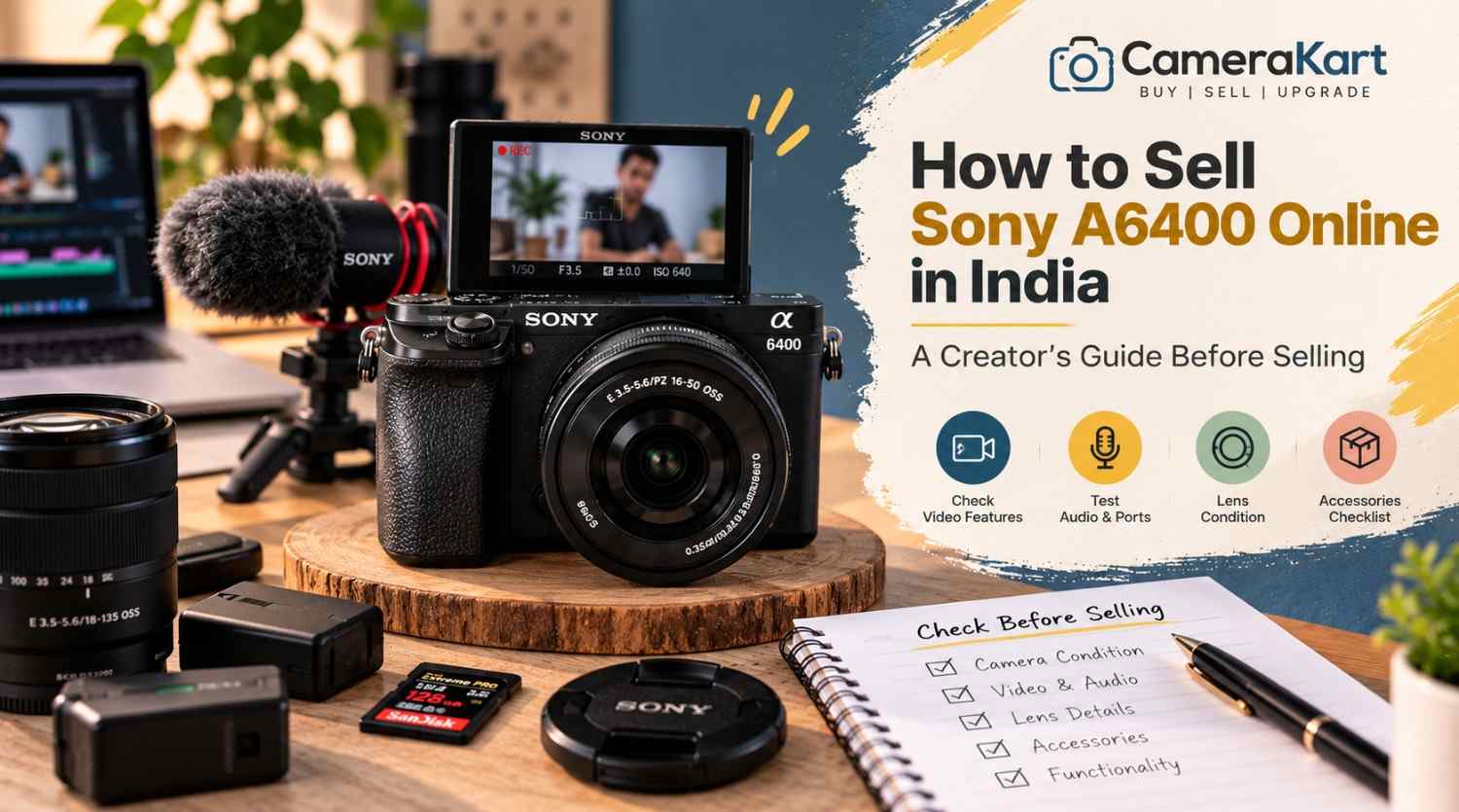
If you’re a photographer, YouTuber, vlogger or content creator who owns a Sony A6400, there may come a point when your current camera no longer fits your setup.
You may have upgraded to a newer Sony body, moved to full-frame, purchased a dedicated video camera, or simply stopped using the A6400 regularly.
When that happens, selling the camera can be a practical way to move on from equipment that’s sitting unused.
But if you’re planning to sell Sony A6400 online, don’t evaluate it only like a traditional still-photography camera.
The A6400 has several features that are particularly relevant to creators, including a 24.2MP APS-C sensor, Fast Hybrid AF, 425 phase-detection and 425 contrast-detection AF points, 4K video recording, a 180-degree tilting LCD and microphone connectivity. Sony also lists continuous shooting up to 11 fps. Sony India
That means a creator should check both photography and video functionality before selling.
Here’s a practical guide.
1. Start by Identifying the Exact A6400 Kit
Before you sell used Sony A6400, first establish exactly what you’re selling.
Your setup might include:
- Sony A6400 body
- 16–50mm kit lens
- 18–135mm lens
- Prime lens
- Extra battery
- Charger
- Camera strap
- Body cap
- Lens cap
- Memory card
- Camera bag
- Original box
Don’t describe everything as simply “Sony A6400.”
For example:
Sony A6400 + 16–50mm lens + original battery + charger
gives a much clearer picture of the equipment being submitted.
2. Check the Camera Body for Creator-Use Wear
Creators often use cameras differently from occasional photographers.
An A6400 used for vlogging may have spent a lot of time:
- On a tripod
- Inside a camera cage
- Attached to a microphone
- Mounted on a gimbal
- Connected to an HDMI monitor
- Used outdoors
So inspect areas that may have experienced regular handling.
Check:
- Camera grip
- Tripod mount
- Hot shoe
- Battery door
- HDMI/USB area
- Microphone port
- Mode dial
- Control dials
- Screen hinge
Minor cosmetic wear isn’t necessarily a major problem.
What matters more is whether any damage affects normal operation.
3. Test the 180-Degree Tilting Screen
One of the most useful A6400 features for creators is its 180-degree tilting LCD.
Sony’s specifications list a 3-inch LCD monitor with approximately 921,600 dots and a 180-degree tilting mechanism. Sony India
If you used your A6400 for selfies, vlogging or talking-head videos, this screen has probably been used frequently.
Check:
- Screen opens smoothly
- Screen holds its position
- Display remains normal
- No flickering
- No lines
- No cracked areas
- Menu and playback work correctly
Also move the screen carefully rather than forcing it beyond its intended movement.
4. Test Autofocus for Both Photos and Video
Autofocus is one of the important reasons creators choose the A6400.
Sony lists a Fast Hybrid AF system with 425 phase-detection AF points and 425 contrast-detection AF points. Sony India
Test autofocus with the lens you’re selling.
Try:
- Static subjects
- Moving subjects
- Face detection
- Eye AF where supported
- Close subjects
- Distant subjects
For a creator camera, don’t test autofocus only through still photographs.
Record a short video and see whether focus behaves normally while the subject moves.
5. Test the Camera’s 4K Recording
If you’re planning to sell Sony A6400 online in India, video recording deserves special attention.
The A6400 supports 4K recording, making it relevant for creators who use the camera for YouTube, product videos, travel content and other video work. Sony’s current product material lists 4K HDR and the camera’s creator-oriented specifications. Sony India
Record a short 4K clip.
Check:
- Recording starts normally
- Video saves correctly
- Playback works
- Audio is captured
- Autofocus behaves normally
- Camera doesn’t unexpectedly stop
You don’t need to record a 30-minute video.
A short test is enough to identify obvious issues.
6. Check the Microphone Connection
If you’ve used the A6400 for YouTube or professional content, the microphone connection is especially important.
Connect your microphone and record a short clip.
Check whether:
- Microphone is detected
- Audio is recorded
- Connection is stable
- Cable fits correctly
- There is unusual noise or intermittent audio
If you normally used an external microphone, this is one of the tests worth performing before you sell used Sony A6400.
A camera can capture excellent video while still having an issue with an external audio connection.
7. Check the HDMI and USB Connections
Creators sometimes connect cameras to computers, capture devices or external monitors.
Therefore, don’t overlook the physical ports.
Inspect the relevant connections for:
- Loose ports
- Physical damage
- Bent components
- Connection problems
If you regularly used the camera for streaming or external monitoring, test the connection you used most frequently.
There’s no need to repeatedly insert and remove cables just for testing.
One careful test is sufficient.
8. Test the Lens You Are Selling With It
If you’re selling an A6400 with a lens, the lens needs its own inspection.
Check:
- Front glass
- Rear glass
- Zoom ring
- Focus ring
- Autofocus
- Mount
- Image stabilization, if supported
- Filter thread
Look for:
- Fungus
- Haze
- Heavy dust
- Scratches
- Cracks
If you’re including a 16–50mm kit lens, mention the exact lens model rather than simply writing “kit lens.”
If you have an additional prime or zoom lens, list that separately.
9. Test Stabilization Where Applicable
Some A6400-compatible lenses include optical stabilization.
If the lens you’re selling has stabilization, test it.
Take a few handheld photographs and, if relevant, record a short handheld video.
Listen for unusual sounds and check whether the stabilization behaves normally.
Remember that the camera body itself isn’t being evaluated as an in-body stabilization camera in the same way as models that have IBIS. So distinguish between lens stabilization and camera-body stabilization when describing your equipment.
10. Check Battery Performance
The A6400 uses the Sony NP-FW50 battery system.
Before you sell Sony A6400, check whether:
- Battery charges properly
- Camera powers on consistently
- Battery drains unusually quickly
- Charger works
- Battery has any physical swelling or damage
If you have an additional genuine battery, include it in your equipment list.
If the battery is older and doesn’t perform like it once did, simply mention its condition rather than assuming it is still like new.
11. Test the Memory Card and File Recording
Creators often record large video files, so memory-card functionality matters.
Insert a compatible memory card and record:
- A photograph
- A short Full HD clip
- A short 4K clip
Then check whether the files save and play correctly.
If you regularly used a high-capacity card with the camera, remember to remove your personal card before selling.
Your personal photographs and video files should always be backed up first.
12. Check the Hot Shoe and Accessories
If you’ve used the A6400 for content creation, you may have attached:
- Microphone
- Flash
- LED light
- Wireless receiver
- Other accessories
Inspect the hot shoe for physical damage.
Also gather the accessories you are actually selling.
Your list could look like:
Included:
A6400 body + 16–50mm lens + battery + charger + strap.
Additional:
Extra battery + camera bag.
This is much clearer than simply saying “all accessories included.”
13. Test the Electronic Viewfinder
Although creators may use the LCD more often, the A6400 also has an electronic viewfinder.
Check:
- Display quality
- Flickering
- Lines
- Visibility
- Eye sensor behaviour
A feature that you rarely use can still be part of the camera’s overall condition.
14. Check the Camera’s Physical Mounts
If you frequently used the A6400 on a tripod, gimbal or cage, inspect the mounting points.
Pay particular attention to:
- Tripod mount
- Camera base
- Cage contact points
- Strap lugs
Make sure there are no cracks or loose components.
A camera used heavily for content creation may show more wear around these areas than a camera used primarily handheld.
15. Don’t Forget Your Personal Creator Settings
Before selling your camera, back up anything you need and then consider resetting the camera to its normal/default state.
Your A6400 may contain:
- Custom button assignments
- Wi-Fi information
- Personal shooting settings
- Custom picture profiles
- Saved network information
Most importantly, remove your memory card and make sure personal files are backed up.
You don’t want your personal data travelling with the camera.
16. Be Honest About Heavy Creator Use
A camera used professionally isn’t automatically a bad camera.
For example, an A6400 may have been used frequently for:
- YouTube
- Vlogging
- Weddings
- Product photography
- Travel
- Social-media content
Usage itself doesn’t tell the complete story.
What matters is the actual current condition.
If the camera has been heavily used but all major functions work properly, describe that honestly.
17. Prepare a Simple Creator-Specific Checklist
Before you sell Sony A6400 online, go through this list:
| Area | What to Check |
| Body | Scratches, dents, cracks |
| LCD | 180° movement and display |
| EVF | Display and sensor |
| Autofocus | Photo + video AF |
| 4K | Recording and playback |
| Audio | Microphone input |
| HDMI/USB | Connection |
| Lens | Glass, focus and zoom |
| Battery | Charging and power |
| Memory | Recording and playback |
| Hot Shoe | Physical condition |
| Tripod Mount | Damage or looseness |
| Accessories | Battery, charger, caps, lens |
| Personal Data | Backup and remove card |
This checklist is particularly useful if you’ve used your A6400 as a creator camera rather than only for photography.
Where to Sell Sony A6400 Online
Once you’ve tested the camera and gathered the equipment, you can start the selling process through CameraKart’s dedicated Sony A6400 page:
Sell Sony A6400:
Sell Sony A6400 on CameraKart
Using the dedicated model page helps you submit the correct camera rather than selecting a generic Sony camera category.
Final Thoughts
If you’re ready to sell Sony A6400 online, don’t prepare it like you’re selling only a camera body.
Think about how you’ve actually used it.
If you’re a creator, check the 180-degree screen, autofocus, 4K recording, microphone connection, HDMI/USB ports, lens, battery and memory-card recording before submitting the camera.
The A6400’s 24.2MP APS-C sensor, Fast Hybrid AF with 425 phase-detection and 425 contrast-detection points, 4K capability and creator-friendly screen make these checks particularly relevant. Sony India
Gather your accessories, back up your content, remove your personal memory card and accurately describe the camera’s condition.
Then you’re ready to move forward with your selling request.