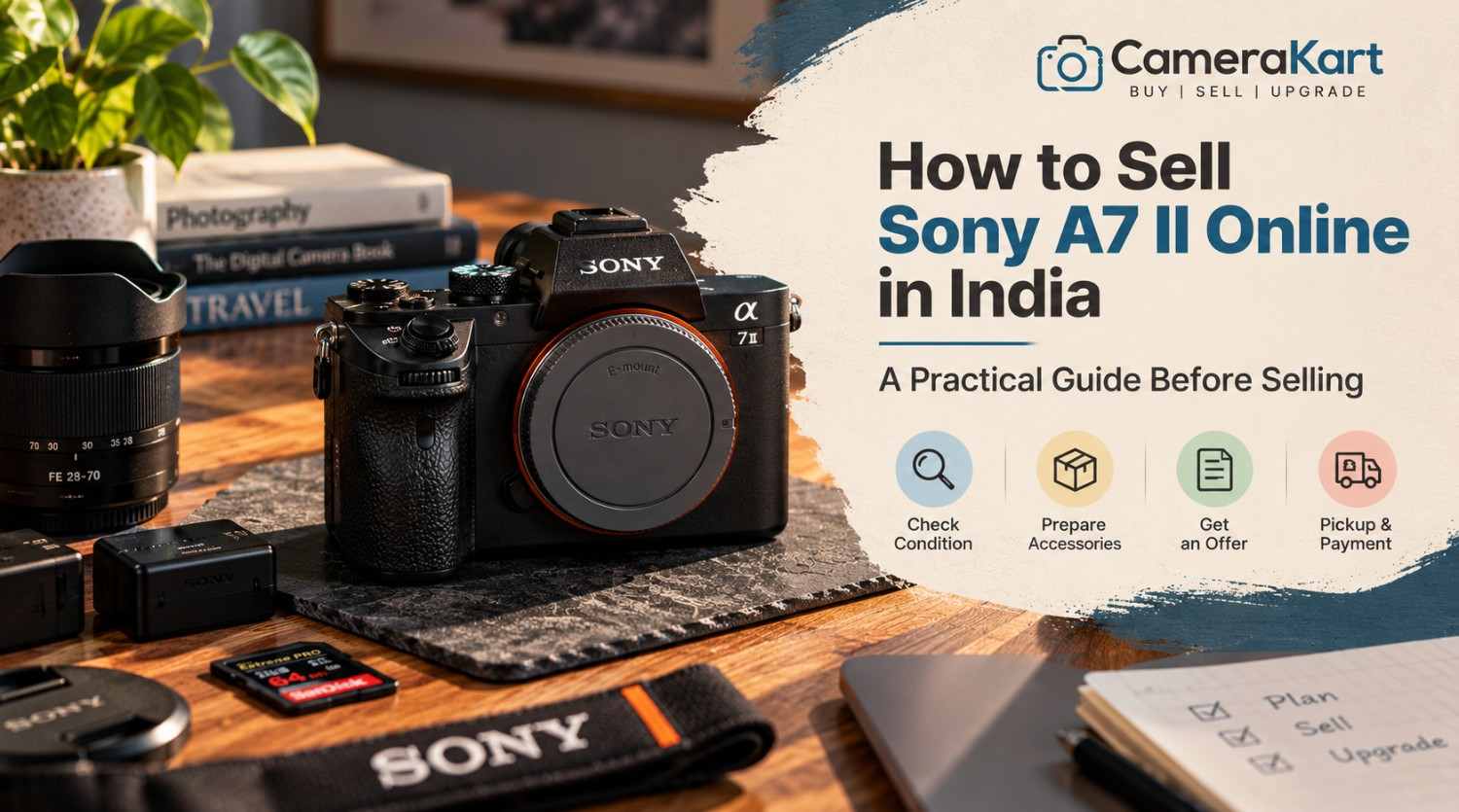
If you own a Sony A7 II and are considering an upgrade, changing your camera system, or simply want to sell equipment that you no longer use, it is worth preparing the camera properly before submitting it for an offer.
The Sony A7 II was an important full-frame mirrorless camera in Sony’s Alpha lineup. It features a 24.3MP full-frame Exmor CMOS sensor, Sony E-mount, 5-axis sensor-shift image stabilization, Fast Hybrid AF and a maximum continuous shooting speed of approximately 5 fps.
Because it is an interchangeable-lens camera, the selling process isn’t only about the camera body. The condition of the sensor, mount, shutter, stabilization system, battery, LCD, viewfinder and any included lens can all matter when you sell Sony A7 II online.
Here’s what you should check before selling yours.
1. Confirm Exactly What You Are Selling
Start by identifying the exact equipment you have.
The Sony A7 II is also identified by Sony as model ILCE-7M2. Sony’s support documentation lists it as the Alpha 7 II full-frame interchangeable-lens camera body.
Before submitting your details, make a simple inventory:
- Sony A7 II body
- Lens or lenses
- Battery
- Charger
- USB cable
- Body cap
- Lens cap
- Camera strap
- Original box
- Manuals
- Extra accessories
This prevents confusion later and makes your submission more accurate.
2. Inspect the Camera Body
The first physical check should be the camera body itself.
Look carefully at:
- Front and rear panels
- Camera grip
- Top plate
- Bottom plate
- Battery door
- Memory-card compartment
- Hot shoe
- Lens mount
- Buttons and dials
Small scratches from normal use aren’t unusual on an older mirrorless camera.
What deserves more attention is major physical damage such as cracks, deep dents, loose components or signs of a significant impact.
If your A7 II has cosmetic wear but functions properly, simply describe the condition accurately when you sell used Sony A7 II.
3. Test the Full-Frame Sensor
The A7 II uses a 35mm full-frame Exmor CMOS sensor with approximately 24.3 effective megapixels.
Before selling, take several photographs against a plain, evenly lit surface.
Review the images at 100% if possible and look for:
- Persistent dark spots
- Unusual lines
- Image artifacts
- Abnormal colour issues
- Exposure inconsistencies
- Other problems visible in every frame
Don’t confuse ordinary removable dust with a major sensor fault.
If you aren’t experienced with sensor cleaning, avoid aggressive DIY cleaning immediately before selling. A simple condition check is usually more useful than taking unnecessary risks.
4. Check the 5-Axis Stabilization
One of the features worth specifically checking on the A7 II is its in-body image stabilization.
Sony specifies a sensor-shift mechanism with 5-axis compensation and a rated compensation effect of up to 4.5 steps under its stated test conditions.
Take a few handheld photographs at slower shutter speeds and compare the results.
You’re mainly checking whether the stabilization system behaves normally rather than trying to measure its exact performance.
If you notice unusual noises, warnings or inconsistent stabilization, make a note of it.
This is particularly important because it is a feature specific to the camera body, not something you should assume is functioning simply because the camera powers on.
5. Test the Shutter and Shooting Controls
The A7 II supports shutter speeds from 1/8000 second to 30 seconds, plus Bulb mode, and its maximum continuous shooting speed is approximately 5 fps.
Take photographs using:
- Single shooting
- Continuous shooting
- Different shutter speeds
- Different exposure modes
Check whether the shutter responds normally.
Also test the main dials and buttons.
Pay attention to:
- Shutter button
- Control dials
- Mode dial
- Menu button
- Playback
- Navigation controls
- Custom buttons
A camera can look excellent externally while having a faulty button or dial, so testing the controls is worth doing before you sell Sony A7 II online in India.
6. Check Autofocus With Your Lens
7. Inspect the E-Mount
The A7 II uses Fast Hybrid AF with phase-detection and contrast-detection AF. Sony lists 117 phase-detection points and 25 contrast-detection points for the full-frame shooting area.
If you’re selling the camera with a lens, test autofocus using that lens.
Try:
- A nearby subject
- A distant subject
- Static objects
- Moving subjects
- Different lighting conditions
If the body focuses correctly but the lens has an issue, the two problems shouldn’t be treated as the same thing.
That’s why testing the body and lens separately can give you a much clearer picture of what you’re actually selling.
The Sony A7 II uses Sony E-mount lenses.
The mount should be inspected carefully because it’s where the camera body and lens physically connect.
Check for:
- Bent or damaged mount components
- Loose fitting
- Excessive play
- Visible damage
- Problems communicating with the lens
Remove and attach the lens carefully.
Don’t repeatedly force a lens onto the mount just to test it. One proper check is enough.
8. Test the Electronic Viewfinder and LCD
The A7 II features an XGA OLED electronic viewfinder with approximately 2.36 million dots and a 3-inch TFT LCD monitor.
Turn the camera on and inspect both.
Check the EVF for:
- Display abnormalities
- Flickering
- Unusual lines
- Visibility problems
Then inspect the LCD for:
- Cracks
- Dead areas
- Display lines
- Brightness issues
- Physical damage
Also test the screen controls and playback functionality.
9. Check the Battery and Charger
The A7 II uses Sony’s NP-FW50 rechargeable battery. Sony lists approximately 270 shots using the viewfinder or approximately 350 shots using the LCD under its CIPA test conditions.
Real-world battery performance will vary with age and usage.
Before you sell Sony A7 II, check:
- Does the battery charge?
- Does the camera power on reliably?
- Does the battery drain unusually quickly?
- Does the charger work?
- Is the battery physically damaged?
If you have the original charger, include it in your equipment list.
10. Test the Memory Card and Connections
The A7 II supports SD, SDHC and SDXC memory cards, including UHS-I-compatible SD cards.
Insert a compatible card and take a few photographs.
Confirm that:
- Images save correctly
- Playback works
- Files can be transferred
- The memory-card slot behaves normally
The camera also includes USB, HDMI, microphone and headphone connectivity.
You don’t need to test every port repeatedly, but checking the important connections is a useful part of preparing the camera.
11. Don’t Forget Video Recording
The A7 II supports Full HD video recording through formats including XAVC S and AVCHD.
Record a short test clip and check:
- Recording starts correctly
- Video saves to the memory card
- Playback works
- Audio is recorded
- Camera doesn’t unexpectedly stop
A short test is enough to identify obvious problems.
12. Inspect the Lens Before Selling the Complete Kit
If you’re selling an A7 II with an FE or compatible E-mount lens, inspect the lens separately.
Look for:
- Scratches on front/rear glass
- Fungus
- Haze
- Excessive dust
- Damaged filter thread
- Stiff zoom ring
- Focus-ring problems
- Autofocus issues
- Mount damage
If you have multiple lenses, list them separately.
For example, instead of writing “Sony A7 II with accessories,” provide the actual equipment you’re submitting.
That makes the selling request much clearer.
13. Keep Your Personal Data and Memory Card Separate
Before handing over the camera, remove your personal memory card.
Also check whether the camera contains any saved personal settings or registered information that you don’t want to leave behind.
Most importantly, back up all your photographs and videos before preparing the camera for pickup.
The camera should be ready to sell, while your personal data should remain with you.
14. Don’t Try to Hide Cosmetic Damage
If your camera has scratches, paint wear or another visible issue, don’t try to make it look artificially new.
A more useful approach is to accurately describe the condition.
For example:
Good description:
“Minor scratches on the bottom plate, camera functions normally.”
Instead of:
Poor description:
“Like new” when the camera clearly has visible wear.
Accuracy helps create a more straightforward evaluation process when you sell used camera online.
15. Don’t Assume the Same A7 II Offer Applies to Every Camera
Two Sony A7 II bodies can have completely different conditions.
One may have:
- Low physical wear
- Good battery
- Clean sensor
- Working stabilization
- Clean LCD
- Original accessories
Another may have:
- Heavy scratches
- Weak battery
- Damaged screen
- Stabilization issues
- Missing accessories
Therefore, don’t choose a selling price simply because you saw another A7 II listed online.
The actual condition of your equipment needs to be considered.
Where to Sell Sony A7 II Online
If you’re ready to sell Sony A7 II online, you can submit your camera through CameraKart’s dedicated model page:
Sell Sony A7 II:
Sell Sony A7 II on CameraKart
Before submitting the camera, keep your model details, condition information and available accessories ready.
This makes it easier to provide an accurate request.
Sony A7 II Selling Checklist
| Check | What to Verify |
| Model | Sony A7 II / ILCE-7M2 |
| Body | Scratches, dents and cracks |
| Sensor | Image output |
| Stabilization | 5-axis IBIS operation |
| Shutter | Normal shooting |
| Autofocus | Focus response |
| E-mount | Lens connection |
| EVF | Display condition |
| LCD | Display and physical condition |
| Battery | Charging and power |
| Memory Card | Recording and playback |
| Ports | USB/HDMI/audio connections |
| Video | Recording and playback |
| Lens | Glass, mount and AF |
| Accessories | Charger, caps, strap, box etc. |
Final Thoughts
The Sony A7 II is an older full-frame mirrorless camera, but its 24.3MP sensor, E-mount system, 5-axis stabilization and interchangeable-lens design make it important to evaluate the actual condition of the equipment, not simply its age.
If you want to sell Sony A7 II online in India, spend a few minutes testing the sensor, stabilization, shutter, autofocus, LCD, EVF, battery and lens before submitting your request.
Keep the accessories you still have together, remove your personal memory card and describe the camera honestly.
Once everything is ready, you can start your selling request through CameraKart’s dedicated Sony A7 II page.