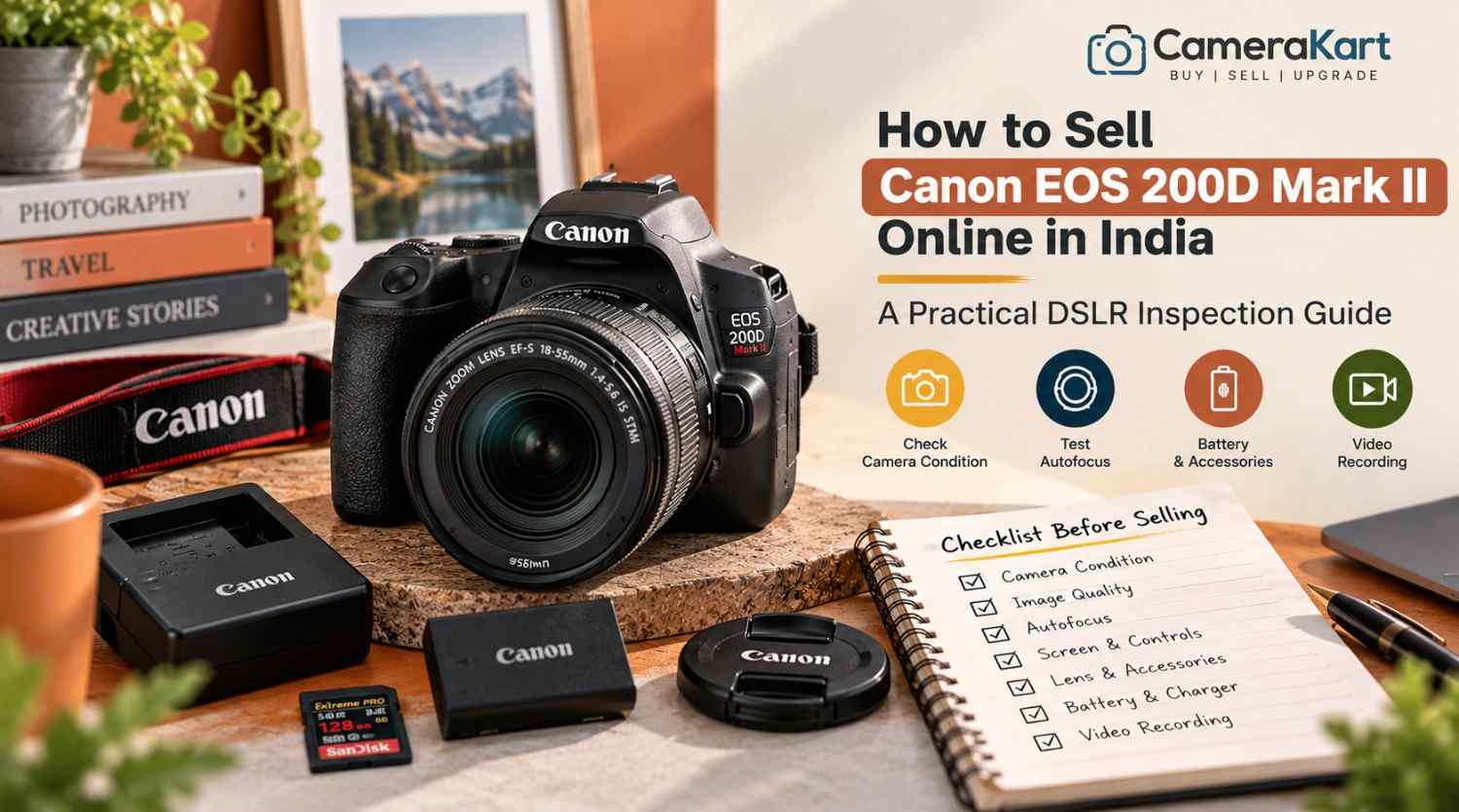
If your Canon EOS 200D Mark II is no longer part of your regular photography setup, selling it can help you recover money from equipment you no longer use. Before you sell Canon EOS 200D Mark II online, check its autofocus, touchscreen, image quality, video recording, lens and accessories.
The Canon EOS 200D Mark II, also known as the EOS 250D in some markets, is a compact DSLR with a 24.1MP APS-C CMOS sensor and DIGIC 8 image processor. It offers an optical viewfinder, a vari-angle touchscreen, Dual Pixel CMOS autofocus in Live View and 4K video recording. These features make it useful for everyday photography, portraits, travel and beginner content creation.
A camera that looks clean may still have a faulty button, unreliable autofocus or a memory-card problem. This guide explains what to test before selling and how to prepare your camera for an offer through CameraKart.
1. Confirm Your Camera Model and Included Equipment
Before requesting an offer, confirm that your camera is the Canon EOS 200D Mark II rather than the original EOS 200D. Check the model marking on the camera and any available purchase documents.
Next, identify exactly what you intend to sell. Your package may contain:
- Canon EOS 200D Mark II body
- Canon EF-S kit lens or another compatible EF/EF-S lens
- LP-E17 battery
- Compatible battery charger
- Body cap and lens caps
- Camera strap
- Original box and invoice, if available
- Additional batteries, memory cards or accessories
If you have more than one lens, record each model separately. If you are selling only the camera body, make that clear.
Do not assume the original kit lens is included with every EOS 200D Mark II. Accurate package details help when you sell a used Canon EOS 200D Mark II because the body and any additional equipment may be assessed separately.
2. Test the Sensor and Image Quality
The EOS 200D Mark II features a 24.1MP APS-C CMOS sensor. Before selling, take a few photographs in different lighting conditions and review the saved files.
Start with a well-lit scene and then photograph a darker subject. Check whether the camera produces consistent images and whether any unusual marks appear repeatedly.
Look for:
- Persistent spots or lines in the same image area
- Unexpected colour defects
- Images that fail to save correctly
- Exposure problems that continue after checking settings
- Recurring image-quality issues
A mark in a photograph does not automatically indicate a sensor fault. Dust on the lens, lighting and camera settings can affect the result too. If a defect appears repeatedly, investigate it carefully and disclose any unresolved issue.
Avoid touching the sensor surface or attempting unfamiliar cleaning procedures before selling.
3. Check Autofocus Through the Viewfinder and Live View
One useful feature of the EOS 200D Mark II is that its autofocus behaviour differs between optical-viewfinder shooting and Live View.
Canon specifies a nine-point autofocus system when composing through the optical viewfinder, while Live View uses Dual Pixel CMOS AF with selectable focus positions. Test both methods instead of assuming that success in one mode confirms the other works correctly.
Take photographs of a stationary subject and a moving person. Then use Live View to focus on a subject on the LCD screen.
Check whether:
- Focus points respond to your selections
- Autofocus locks onto the intended subject
- Live View focusing behaves consistently
- Touch focus responds normally
- The camera displays any unexpected warnings
If focus is inconsistent, repeat the test with a compatible lens and suitable lighting. A fault may come from the lens, settings or shooting conditions rather than the camera body alone.
When you request an offer, mention any recurring problem you cannot resolve.
4. Inspect the Vari-Angle Touchscreen and Optical Viewfinder
The EOS 200D Mark II has a 3-inch vari-angle touchscreen. It is useful for low-angle photographs, self-portraits and video recording, so check both its display and movement.
Inspect the LCD for cracks, unusual lines, dark patches or touch-response problems. Move the screen gently through its normal range and confirm that the hinge works properly.
Test the touchscreen by navigating menus and selecting focus points. Avoid pressing hard on the display.
Next, look through the optical viewfinder. Check that the view is clear and that the viewfinder display behaves normally.
Also test the main controls, including the power switch, shutter button, mode dial, control buttons and menu controls. Inspect the body for impact marks, loose components or signs of liquid exposure.
Ordinary cosmetic wear does not automatically make the camera unsuitable for selling. The important thing is to describe its condition honestly.
5. Test the Built-In Flash and Exposure Controls
The EOS 200D Mark II includes a built-in pop-up flash. If you use it for portraits, indoor photographs or fill light, test that it opens and fires normally.
Take a few photographs with the flash enabled and check the results. Confirm that the flash closes properly and that the camera does not display unexpected errors.
Test the main exposure modes you regularly use, such as aperture priority, shutter priority and manual exposure. Change settings and take sample photographs to confirm that the controls respond.
Also check the exposure compensation control and review the resulting images. If the exposure seems incorrect, verify the metering mode and settings before assuming there is a hardware problem.
If the built-in flash does not open or fire consistently, disclose the issue when requesting an offer.
6. Check 4K Video Recording and Audio
Although the EOS 200D Mark II is a DSLR, it supports 4K video recording as well as Full HD options. Its 4K mode has different autofocus behaviour from Full HD Live View recording, so test the modes you actually use.
Insert a compatible memory card and record a short clip. Check that the file saves and plays back correctly.
Inspect for:
- Recording interruptions
- Files that fail to save
- Unusual image defects
- Audio that is missing or distorted
- Controls that become unresponsive
- Unexpected recording warnings
The camera has built-in stereo microphones and an external microphone connection. If you use an external microphone, test the connection with compatible equipment.
Do not assume every recording mode works because one short clip looks fine. If you encounter a recurring problem, record the setting and behaviour so you can describe it accurately.
7. Inspect the Lens, Mount and Battery
If a lens is included, check it separately from the camera body. Inspect the front and rear glass for visible scratches, haze or fungus. Check the barrel, zoom ring, focus ring and mount for damage.
Take sample photographs and test autofocus where possible. If you have multiple lenses, list each one separately rather than describing the package simply as a “complete camera kit.”
The EOS 200D Mark II uses the LP-E17 battery. Check that the battery powers the camera normally and that the charger works if it is included. Inspect the battery for visible damage; do not use a swollen or damaged battery.
Also inspect the memory-card slot and check that the camera recognises the card, saves images and plays files back correctly.
If the battery has limited runtime or a port is damaged, disclose it rather than claiming that every function is working.
8. Prepare the Camera Details Before Requesting an Offer
Before you sell Canon EOS 200D Mark II online in India, prepare a short record of your camera and its condition.
Keep these details ready:
- Exact model name
- Body-only or lens-kit configuration
- Included lenses and accessories
- Physical condition
- Autofocus and image-quality test results
- Video and flash test results
- Known faults or previous repairs
- Invoice and box availability
- Pickup location, if requested by the service
Take clear photographs of the front, rear LCD, top controls, base, lens mount and included accessories. Use even lighting so the equipment’s actual condition is visible.
Back up important photographs and videos before handing over the camera. Remove your memory card and disconnect personal wireless connections where appropriate. If you are ready to clear your settings, follow Canon’s instructions for resetting the camera.
9. Where Can You Sell a Used Canon EOS 200D Mark II?
You can consider private buyers, online marketplaces or specialist camera-buying services.
Private sales allow direct negotiation, but you may need to handle enquiries, demonstrations, payment verification and collection arrangements yourself. Marketplace processes and buyer experiences can vary.
A specialist camera-buying service may provide a more structured process for submitting the camera details, receiving an estimate and arranging an inspection.
Before choosing a service, understand whether the estimate is provisional, how the final offer is determined, whether pickup is available in your area and when payment is made.
Do not base your expected offer solely on the camera’s original purchase price or another seller’s listing. The condition, included equipment and inspection results all matter.
10. Start Selling Your Canon EOS 200D Mark II Through CameraKart
You can start with CameraKart’s dedicated model page:
Sell Canon EOS 200D Mark II Online with CameraKart
Review the information requested and provide accurate details about the camera body, lens and accessories you intend to include.
CameraKart describes its general selling process as requesting an estimate, scheduling pickup where available and completing payment after technician inspection. Confirm the current terms and pickup availability for your area before proceeding.
Treat the initial estimate as provisional until the camera has been assessed. Clear information about the package and any faults can help ensure the inspection reflects the equipment you are actually selling.
Final Checklist Before Selling
Before submitting your Canon EOS 200D Mark II, confirm that you have:
- Verified the exact camera model.
- Tested image quality and checked for recurring defects.
- Tested autofocus through the viewfinder and Live View.
- Inspected the touchscreen, hinge and optical viewfinder.
- Checked the built-in flash and exposure controls.
- Tested video recording and audio.
- Inspected the lens, battery and memory-card slot.
- Listed all included equipment.
- Disclosed known faults or previous repairs.
- Backed up important files and removed your memory card.
Selling your EOS 200D Mark II starts with knowing exactly what works and what is included. Complete these checks, prepare your equipment details and review the selling terms before proceeding.