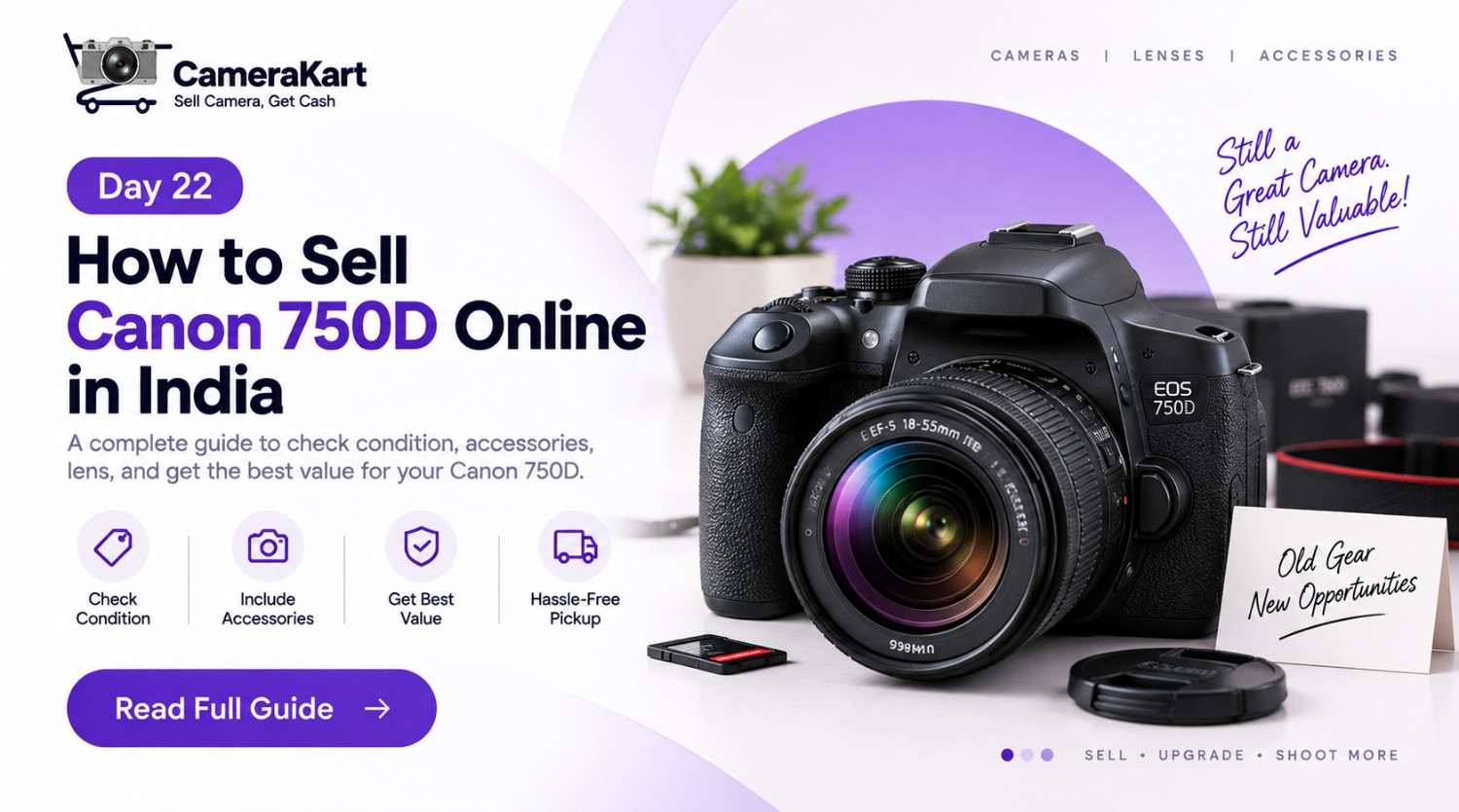
There is a particular stage that many DSLR owners eventually reach.
The camera still works. The lens is still in the cupboard. The battery charger is somewhere around the house. But you have started using a newer camera for almost everything.
That is when it becomes worth asking:
Should I keep my Canon EOS 750D, or should I sell it?
If your 750D is no longer part of your regular photography setup, choosing to sell Canon 750D online can be a practical way to turn unused equipment into cash instead of leaving it unused.
The Canon EOS 750D is a 24.2MP APS-C DSLR with a Canon EF mount. It supports Canon EF and EF-S lenses, has a 19-point autofocus system, an optical viewfinder, built-in flash, Wi-Fi/NFC connectivity and Full HD movie recording. Canon lists a maximum continuous shooting speed of approximately 5 frames per second.
But selling an older DSLR isn’t simply about putting its model name online.
Your body, lens, accessories and actual condition all form part of the equipment you’re selling.
Start With Your Camera Bag, Not the Selling Form
Before you sell Canon 750D online, take everything out of your camera bag.
This sounds simple, but it can reveal exactly what you’re actually selling.
You might discover:
- Canon EOS 750D body
- EF-S kit lens
- Additional Canon EF/EF-S lens
- Battery
- Charger
- Strap
- Lens caps
- Body cap
- Original box
- Cables
- Purchase invoice
This is important because your setup may be worth considering as a complete kit, rather than simply as a camera body.
For example, someone who has stopped using both the 750D and its kit lens may want to sell them together. On the other hand, if you still use the lens with another compatible Canon DSLR, keeping it may make more sense.
So before deciding how to sell the camera, first understand what is actually available.
The 750D Has One Advantage Sellers Often Forget
The EOS 750D uses Canon’s EF mount and is compatible with EF and EF-S lenses, while EF-M lenses are excluded.
For a seller, this means your camera may be part of a larger Canon DSLR setup.
If you have multiple compatible lenses, don’t immediately assume that every lens should be included in the sale.
Separate your equipment into three groups:
Camera equipment you definitely want to sell
This could include the 750D body and a lens that you no longer use.
Equipment you still use
Keep lenses or accessories that remain useful with another compatible camera.
Equipment you’re unsure about
If you’re upgrading to a completely different system, review these items before deciding whether to keep or sell them.
This small exercise can prevent you from accidentally selling equipment that you still need.
Check the Camera’s Real Condition
One of the biggest mistakes sellers make is judging their camera only by its appearance.
A 750D can look clean while having an issue with autofocus, the screen, card slot or another component.
Before you sell used Canon 750D, test the camera rather than simply wiping it down.
Take a few photographs
Try different shutter speeds and shooting modes.
Canon lists a shutter-speed range from 1/4000 second to 30 seconds, depending on the shooting mode.
You don’t need to test every setting.
Simply make sure the camera takes photographs normally and saves them to the memory card.
Test autofocus
The 750D has a dedicated 19-point autofocus system, with up to 19 cross-type AF points under applicable conditions.
Try autofocus on both nearby and distant subjects.
If you regularly used AI Servo, test that too.
Check Live View
The camera’s Live View system uses Hybrid CMOS AF III, with Face+Tracking and other focusing modes, and Canon also lists touch shutter functionality.
Open Live View and check:
- Screen
- Touch response
- Autofocus
- Menu operation
- Image preview
A working Live View system is worth checking separately from the optical viewfinder.
Don’t Ignore the Flip-Out Screen
The 750D has a 3-inch LCD monitor with approximately 1.04 million dots and capacitive touchscreen technology.
After years of use, the screen may have minor scratches or marks.
That’s not unusual.
What matters is whether there is a functional problem.
Look for:
- Cracks
- Dead pixels
- Touch issues
- Display abnormalities
- Loose movement
- Damage around the hinge
If the screen works properly but has cosmetic wear, simply describe its condition accurately when you submit the camera.
Your Lens Needs Its Own Inspection
If you’re planning to sell Canon 750D with lens, don’t inspect only the camera body.
Test the lens separately.
Check the:
Front element: Look for scratches, cracks or unusual marks.
Rear element: Check for visible damage or contamination.
Zoom ring: Make sure it moves smoothly.
Focus ring: Check for abnormal stiffness or looseness.
Autofocus: Test autofocus with the 750D.
Mount: Make sure the lens attaches and detaches correctly.
If the lens has been stored for a long time, look carefully for signs of fungus or moisture-related issues.
A camera kit should be assessed as a combination of individual components rather than assuming that everything is automatically in the same condition.
Is the Shutter Count the Main Thing?
When people search for a way to sell Canon 750D online, shutter count often becomes one of their first concerns.
It is useful information, especially for a DSLR.
But don’t reduce the condition of your entire camera to one number.
A camera’s overall state can include:
- Shutter usage
- Body condition
- Sensor condition
- Screen condition
- Autofocus performance
- Buttons and dials
- Ports
- Battery
- Lens condition
- Included accessories
For example, two 750D bodies with different shutter counts can still have very different overall conditions.
So provide the shutter information if you have it, but look at the complete camera rather than focusing on one specification.
Think About Why You’re Selling
Your reason for selling can also tell you whether it is actually time to let the camera go.
You upgraded to mirrorless
If your new camera has completely replaced your 750D, keeping two bodies may not be necessary.
You have stopped photography
If you bought the camera for college, travel or a personal photography phase and haven’t used it recently, selling can free up money and storage space.
You bought a newer Canon DSLR
You may still have lenses that work with both cameras, making it possible to sell only the older body.
You are changing brands
This is where reviewing your entire lens collection becomes particularly important.
Instead of automatically selling everything, separate the equipment you want to carry into your new system from the equipment you no longer need.
Don’t Make the Camera Look Newer Than It Is
Cleaning your camera before selling is sensible.
But there is a difference between cleaning and hiding wear.
Use a suitable soft cloth for the exterior and remove ordinary dust from the body.
For the lens, use appropriate camera-cleaning equipment.
Avoid aggressive cleaning methods, especially around the sensor.
Most importantly, don’t conceal scratches, dents or functional issues.
When you sell used Canon 750D, accurate information is much more useful than trying to make the camera appear newer than it actually is.
What Should You Do With the Original Accessories?
Before completing your sale, search for the accessories that originally came with the camera.
The EOS 750D uses Canon’s LP-E17 battery, and Canon lists the LC-E17/LC-E17E chargers among its compatible charging equipment.
So check whether you still have:
- LP-E17 battery
- Original charger
- Camera strap
- Body cap
- Lens cap
- Box
- Manuals
- Cables
- Invoice
You don’t necessarily need every original item to sell the camera.
But knowing exactly what you have makes the evaluation more transparent.
Why an Online Camera-Selling Process Can Be Convenient
There are two very different ways to sell Canon camera online.
You can create your own listing and wait for an individual buyer.
Or you can use a camera-focused selling platform where the camera is evaluated as part of a structured process.
Private selling may involve:
- Creating photographs
- Writing descriptions
- Answering messages
- Negotiating
- Arranging meetings
- Handling payment
- Dealing with buyers who change their minds
CameraKart’s current selling flow is designed around selecting the product, receiving an offer, arranging pickup and completing inspection before payment.
For someone who wants to sell an unused DSLR without managing multiple individual buyers, that can make the process simpler.
How to Sell Canon 750D Through CameraKart
Once you’ve decided to sell, the next step is straightforward.
1. Select your Canon 750D
Choose the appropriate Canon model on CameraKart.
2. Share the camera details
Provide the requested information about your camera.
3. Mention your lens
If you’re selling the lens with the camera, include its details as well.
4. Review the offer
Check the offer generated from the information you’ve provided.
5. Schedule pickup
CameraKart’s selling process includes a doorstep pickup option.
6. Complete the inspection
The equipment is checked to confirm its actual condition.
7. Receive payment
Once the evaluation is completed, payment is processed according to the applicable offer.
Your 5-Minute Canon 750D Selling Check
Before you submit your camera, quickly go through this list:
Camera
- Powers on
- Takes photographs
- Autofocus works
- Viewfinder works
- Live View works
- Touchscreen responds
- Flash works
- Buttons and dials work
Lens
- Autofocus tested
- Glass inspected
- Zoom/focus rings checked
- Mount checked
Accessories
- Battery
- Charger
- Lens cap
- Body cap
- Strap
- Box/invoice if available
Condition
- Body inspected
- Screen inspected
- Ports checked
- Any known issue disclosed
Final Thoughts
The Canon EOS 750D may no longer be your primary camera, but that doesn’t mean it needs to remain unused.
With its 24.2MP APS-C sensor, 19-point autofocus system, optical viewfinder, built-in flash, Full HD recording and compatibility with Canon EF/EF-S lenses, the 750D was built as a versatile interchangeable-lens DSLR.
If you’ve already moved to another camera, the more useful question may be what you can do with the equipment you no longer use.
If you decide to sell Canon 750D online, start by understanding your complete setup, testing the camera, checking the lens and accessories, and providing accurate information about its condition.
That gives you a much clearer starting point for the selling process.